canWork Cloud Support Docs
Email Setup | Mac Mail
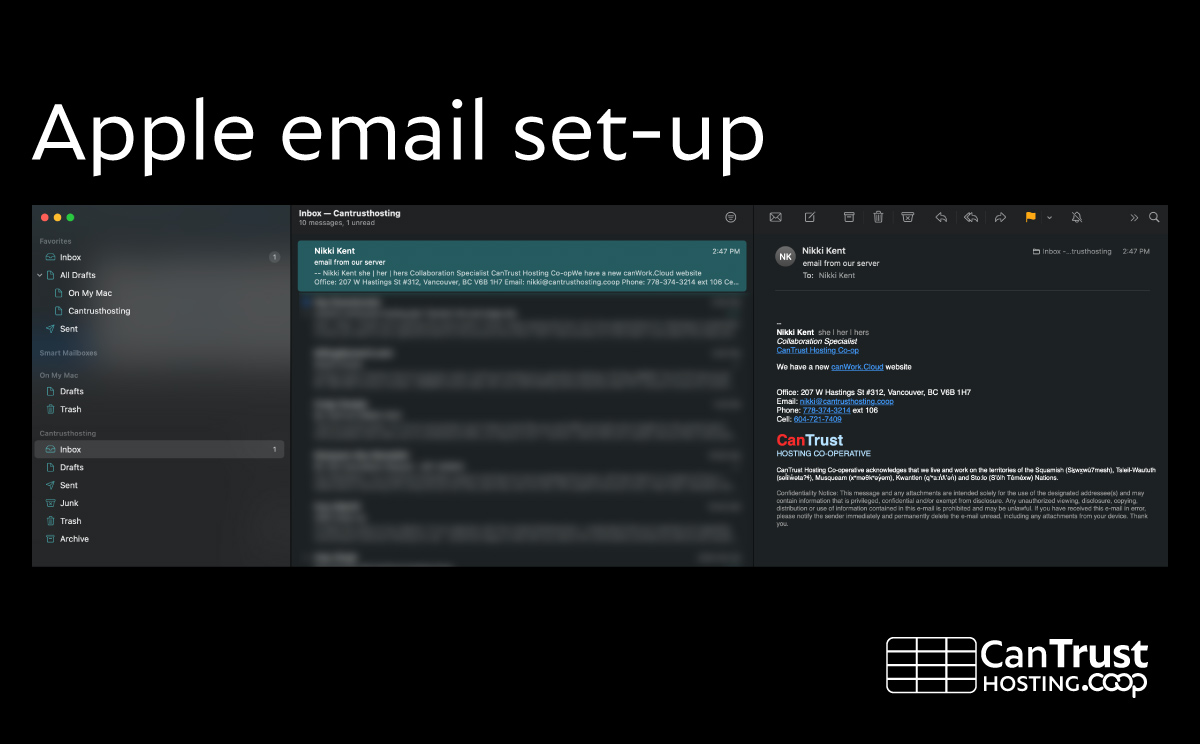
Apple built in email client
There is a friendly and functional email client built into Mac called “Mail”.
1
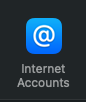
System Preferences -> Internet Account
2
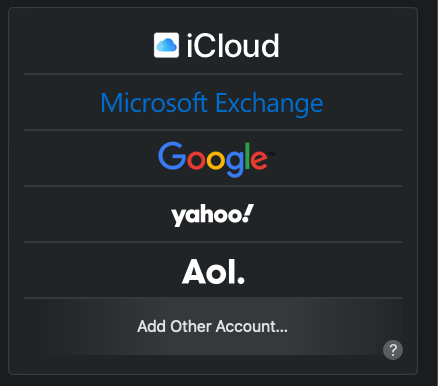
Add Account
Choose “Add other Account” (bottom)
3
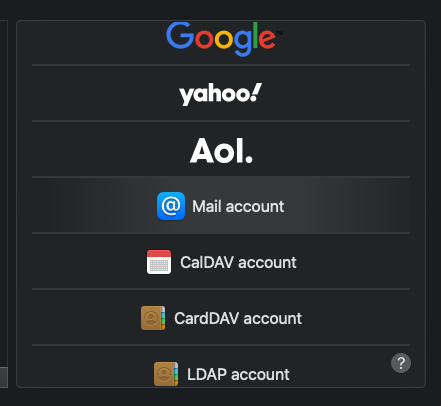
Mail Account
@ Mail account
4
Mail Account
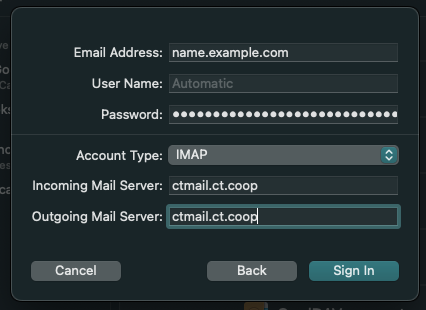
Enter email and password, hit next, it will fail, fill in values automatically.
- User Name: youremail@cantrusthosting.coop
- Account type: IMAP
- Incoming Mail Server: ctmail.ct.coop
Outoging Mail Server: ctmail.ct.coop
5
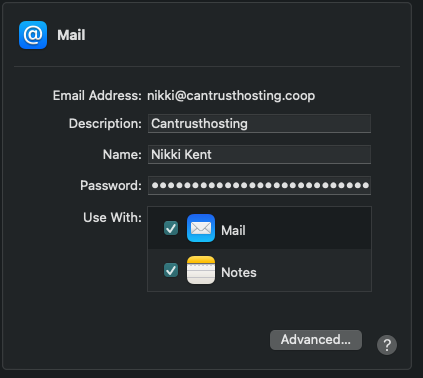
Select Apps
Select Apps to use: Mail and Notes
6
Test