
Welcome to CanWork Cloud
This page is designed to help customers who have purchased our CanWork Cloud Nextcloud:
- • Access the correct documentation
- • Set up their CanWork Cloud instance(s)
- • Get helpful tips and resources
- • Support: https://support.cantrusthosting.coop or email support@cantrusthosting.coop
First Log-in
Make sure you fill out the start form that goes with your purchased plan.
- Shared instances: https://cantrusthosting.coop/start-single-user/
- Professional or Enterprise instances: https://cantrusthosting.coop/start-nextcloud-enterprise-pro-plan/
- If you have more than 1 seat in your team, make sure to ask us to set you up in a Group (where you can easily collaborate). Shared folders, etc
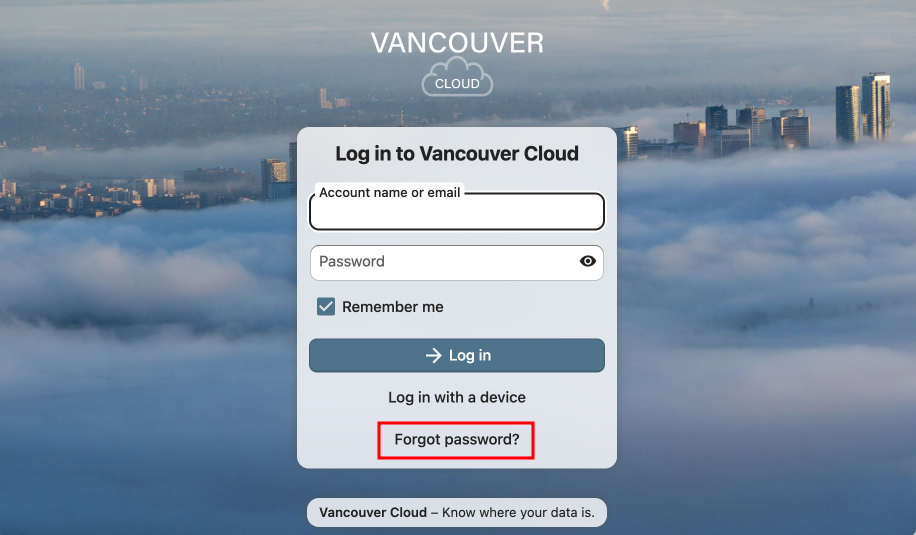
Password Reset
You will be sent the information from us with your URL.
- Do a password reset. It will go to the email you provided to us.
Check your spam folder if you don’t see a Welcome Email when you order, or a Password Reset Email once you do a reset.
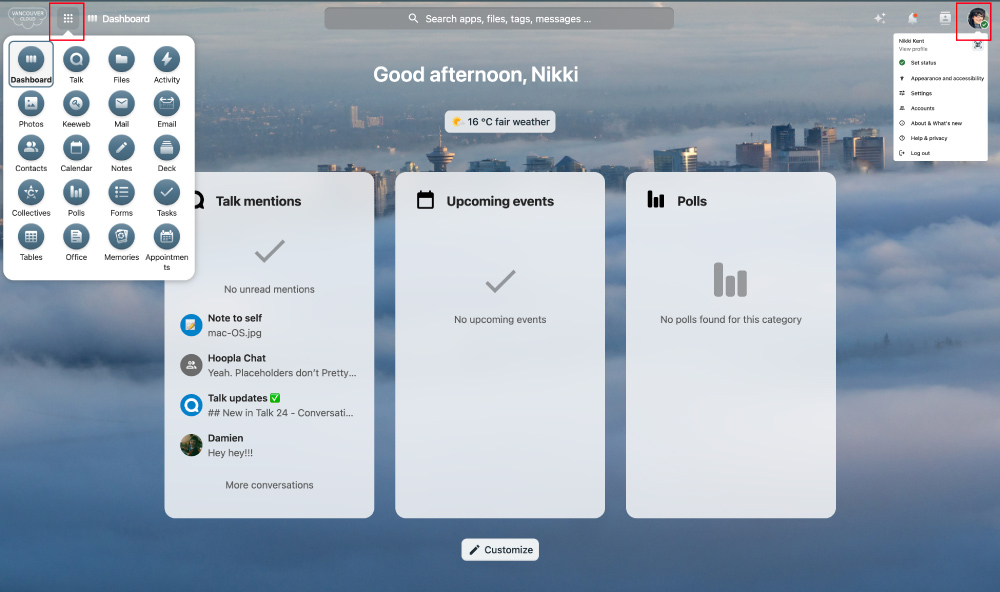
It will take you to the Dashboard
Once logged in, you’ll see your Dashboard. This is your main control centre.
- You can customize what displays on this page.
- Top left has links to all the apps.
- Top right under your icon is where you find your settings and personal account info.
Settings
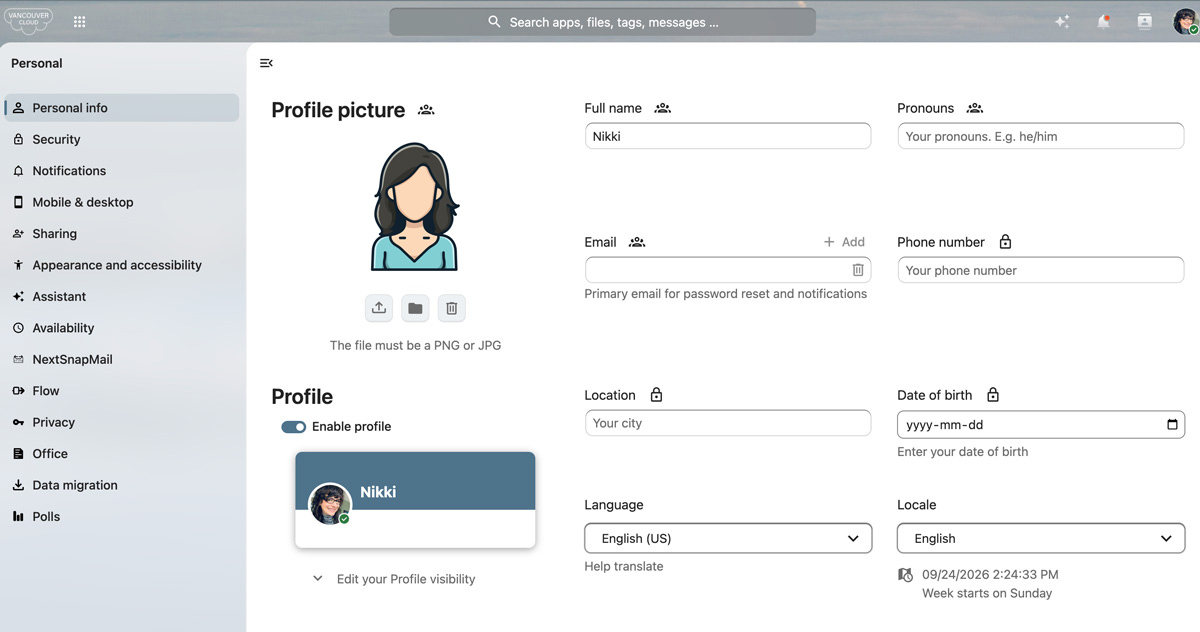
This is under the avatar on the top right. Jump into settings and fill out your personal data.
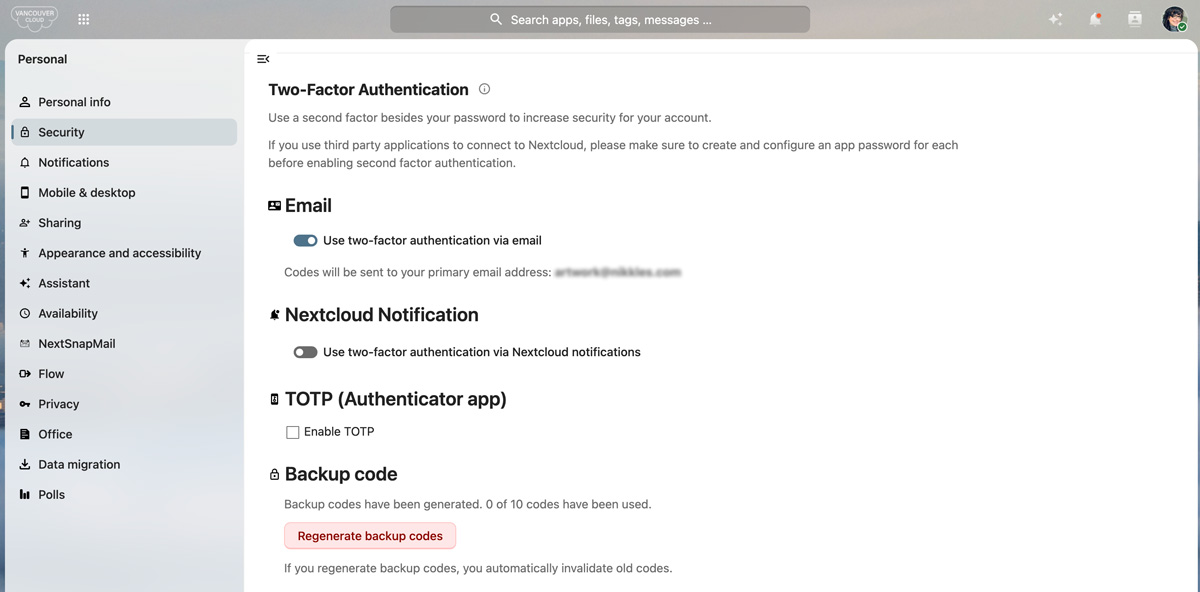
2FA
Set up one of the 2FA options. Set it up to:
- Nextcloud Notification
- TOTP (Authenticator app)
Get backup codes in case you need them.
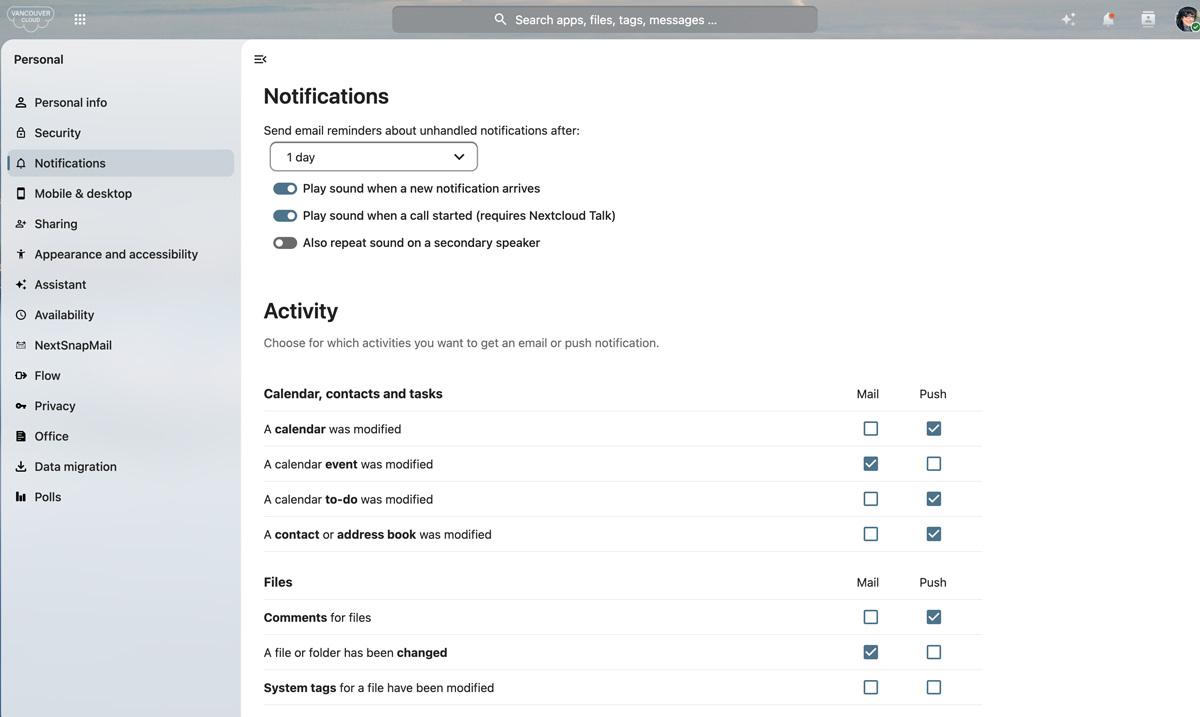
Notifications
Adjust how you would like to be notified with an event or any other activity on the platform.
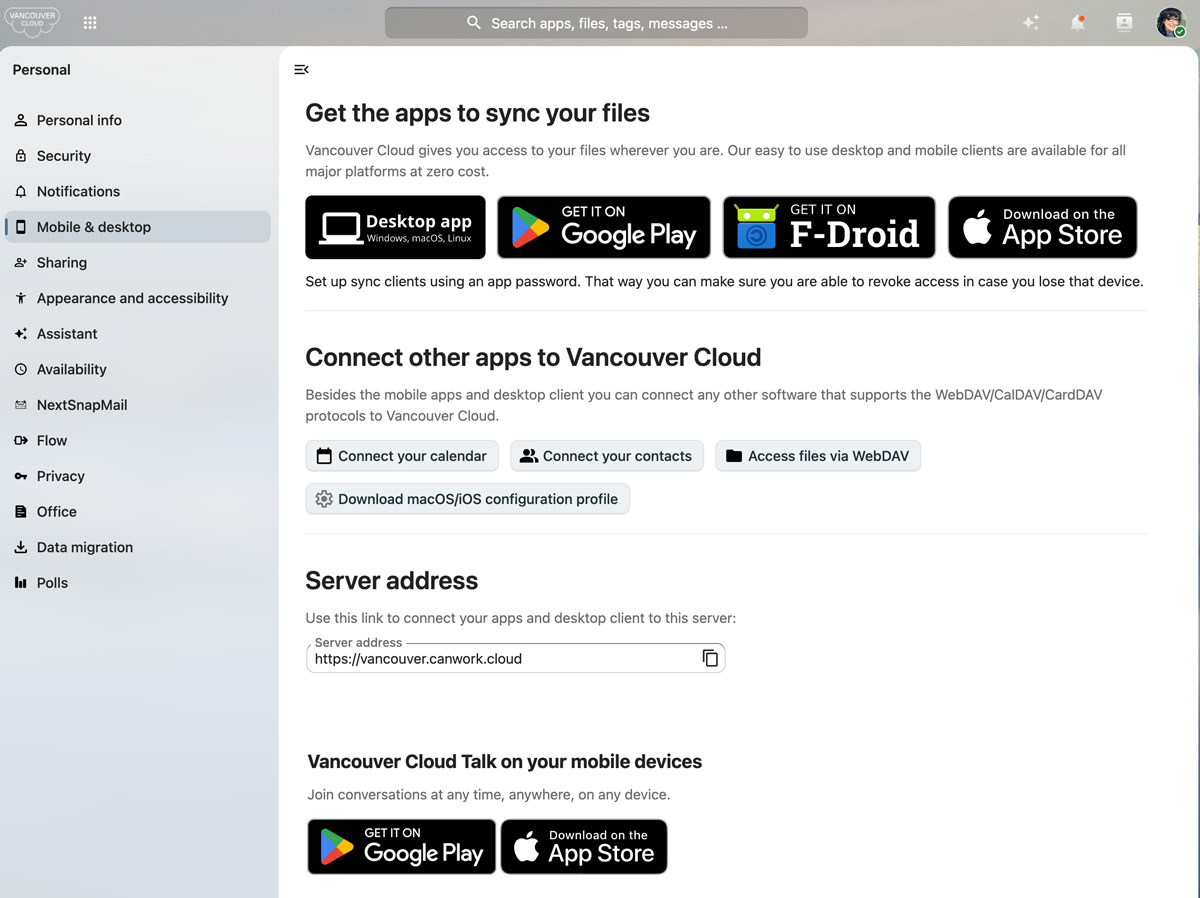
Apps to Install both Mac and PC download
- Mobile and desktop clients: https://nextcloud.com/clients/
- Download page: https://nextcloud.com/install/#install-clients
Need a more complex project management, file sharing, or collaboration system?
Try canWork.Cloud. A complete set of business tools.
Imagine, Dropbox, Asana, Google Workspace, Calendly, and Doodle, all in one place, working together.